Dropping your phone is an awful feeling. You might also lose it or have it stolen. This cuts you off from your work, family, and daily life. If you have Verizon’s device protection, Asurion handles your claim. This guide shows you how to file a claim with Asurion Verizon insurance step-by-step. We will cover every part of the process. You will learn what to do from start to finish. This will help you get your phone back fast.
How to File a Claim with Asurion Verizon Insurance Step-by-Step
Filing a claim is a clear process. The fastest way is to file online. You can also file over the phone. Before you do anything, you must get your information ready.
Get Your Information Ready First
You must prepare a few things before you start. This makes the claim process much faster. Surprises or delays can be frustrating. Having your items ready avoids this. Here is what you need to gather. Your Verizon Account Details. You need your Verizon mobile number. You also need your account PIN. Only the account owner or manager can file a claim. You cannot file a claim if you are just a user on the account.
Device Information: Know the exact make and model of your phone. For example, “Apple iPhone 15 Pro Max.” This ensures you get the right help or replacement. Check your bill if you are not sure. Incident Details: You must explain what happened. Was the phone lost, stolen, or damaged? Be ready to tell Asurion when and how it happened. For damage, know what part is broken, like the screen. Payment Method: You will need to pay a deductible. Have a credit or debit card ready. The claim cannot be finished without this payment. Asurion does not bill the deductible to your Verizon account. Photo ID (for Loss/Theft) Lost or stolen claims need extra proof. You will fill out a Sworn Affidavit. You must include a copy of your driver’s license or passport. This is a legal document to prevent fraud. Contact Info 😮 Asurion needs your email address for updates. They also need a shipping address. This is where they will send your replacement phone. Make sure this address is correct.
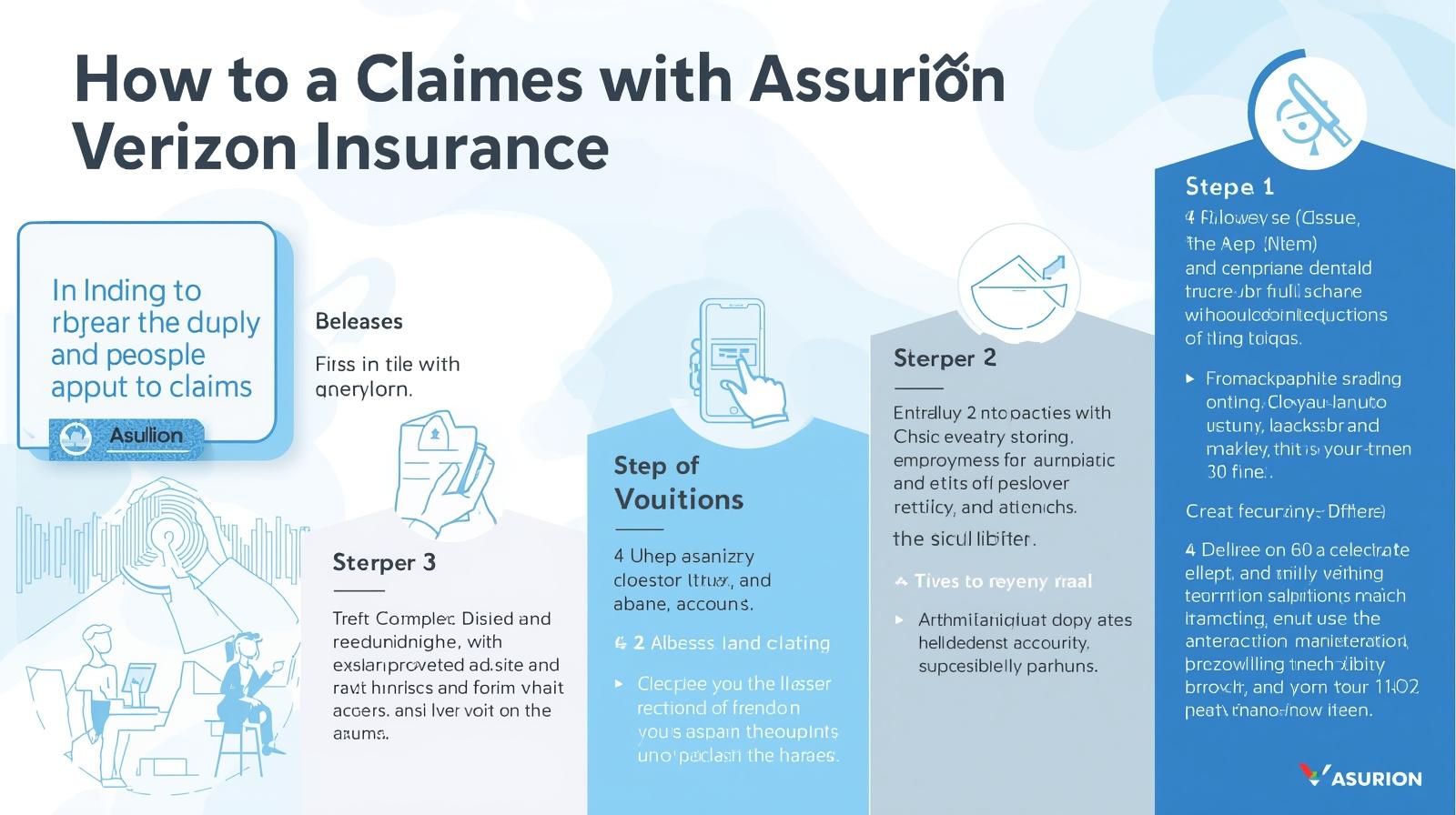
The Online Method: Filing Your Claim Step-by-Step
The fastest way to file is on the Asurion website. The portal is open 24 hours a day, 7 days a week. Most people should use this method. It is very direct.
Here are the steps to follow.
Step 1: Go to the Asurion Verizon Portal
Open a web browser and type in phoneclaim.com/verizon. This is the official site for Verizon claims. Be sure you are on the correct website. Do not use a search engine and click a random link.
Step 2: Enter Your Information
The homepage will ask for your Verizon mobile number. It will also ask for your zip code. Click “Start a Claim” to begin. The system will look up your account and device.
Step 3: Verify Who You Are
You must prove you are the account owner. You will enter your Verizon Account PIN. Or, they might send a temporary code to your phone. This is for your account’s security.
Step 4: Explain What Happened
This part is very important. You will choose the reason for your claim. Options include “Cracked Screen,” “Lost,” “Stolen,” or “Malfunction.”
You must give the date of the incident. You will also write a short description. Be clear and truthful about the details. This helps speed up your approval.
Step 5: Review Your Options
Asurion will show you your choices. These choices depend on your plan and your phone’s damage. You will see either repair or replacement options.
A cracked screen may qualify for a repair. You might see a $0 deductible for this. A lost or stolen phone will always be a replacement. Water damage also means a replacement.
Step 6: Pay Your Deductible
The website will show you the exact cost. This is the deductible you must pay. Enter your credit or debit card information. The site is secure.
Step 7: Submit the Claim
Look over all the information one last time. Make sure the shipping address is correct. Then, submit your claim.
You will get a Claim ID number. Please write this number down or save it. You will also get a confirmation email. This email explains the next steps.
Using the Phone: How to File with a Representative
You can also file your claim by calling Asurion. This is a good option if you cannot get online. It also works if your case is confusing. You can speak directly to a person. The phone number for Asurion’s Verizon claims is (888) 881-2622. Here is what to expect when you call. First, have all your information ready. This includes everything from the preparation step. It will make the call go much faster.
Read more: How do I make an insurance claim on the phone I am insuring?
An automated system will answer. It will ask for your Verizon mobile number. It will also ask why you are calling. Say “file a new claim” to be connected. You will then wait for a claims specialist. Wait times can be long, so be patient. The specialist will ask you many questions. They will confirm your identity with your account PIN. They will ask what happened to your phone. They will tell you your options. They will also tell you the deductible cost. You will pay the deductible over the phone Do not hang up without your Claim ID number. This number is your proof and tracking number. The online method is still much faster for most people.
What Happens After You File? (Repair vs. Replacement)
Your claim has been approved, and you have paid the deductible. Now, the next phase begins. You will get your phone repaired or replaced. Your plan, location, and device type determine your options.
If You Choose a REPAIR Option
This is the common choice for cracked screens. It is often the cheapest and fastest solution. You get to keep your original phone.
Many plans offer $0 Cracked Screen Repair. This applies to the front or back glass on certain phones. But, it is only for select smartphones.
Your device might not qualify if both the front and back are broken. In that case, you would need a replacement. This would have a higher deductible.
You will get a few repair choices.
- In-Store Repair: Asurion will show you a map of approved stores. This is usually a uBreakiFix by Asurion store. You can make an appointment and get it fixed in hours.
- At-Home Repair: Some areas have a mobile repair service. A technician will come to your house or office. They will fix your phone’s screen right there.
- Mail-In Repair: Asurion will send you a box with a shipping label. You mail your phone to their repair center. They fix it and mail it back in 3-5 business days.
If You are Getting a REPLACEMENT Device
This is the only option for lost or stolen phones. It is also used for severe damage, like from water. You will get a different device. Asurion ships these very fast. If your claim is approved early, it may ship that day. You can often get it the next business day. Some areas offer “Pro On the Go” service. A technician may deliver the new phone the same day. They can also help you set it up. Your replacement phone might be new. It also might be a certified refurbished device. Refurbished devices are tested to work like new.
Read more: Claim through Asurion
You MUST Return Your Old Phone. This is a rule you cannot ignore. Your replacement phone comes with a return mailer. You must send your damaged phone back. You usually have 10 to 15 days to mail it. If you do not, you get a big fee. This Non-Return Fee can be hundreds of dollars. Before you mail it, back up your data. You also must turn off “Find My” for iPhones. You must wipe all your personal locks and data.
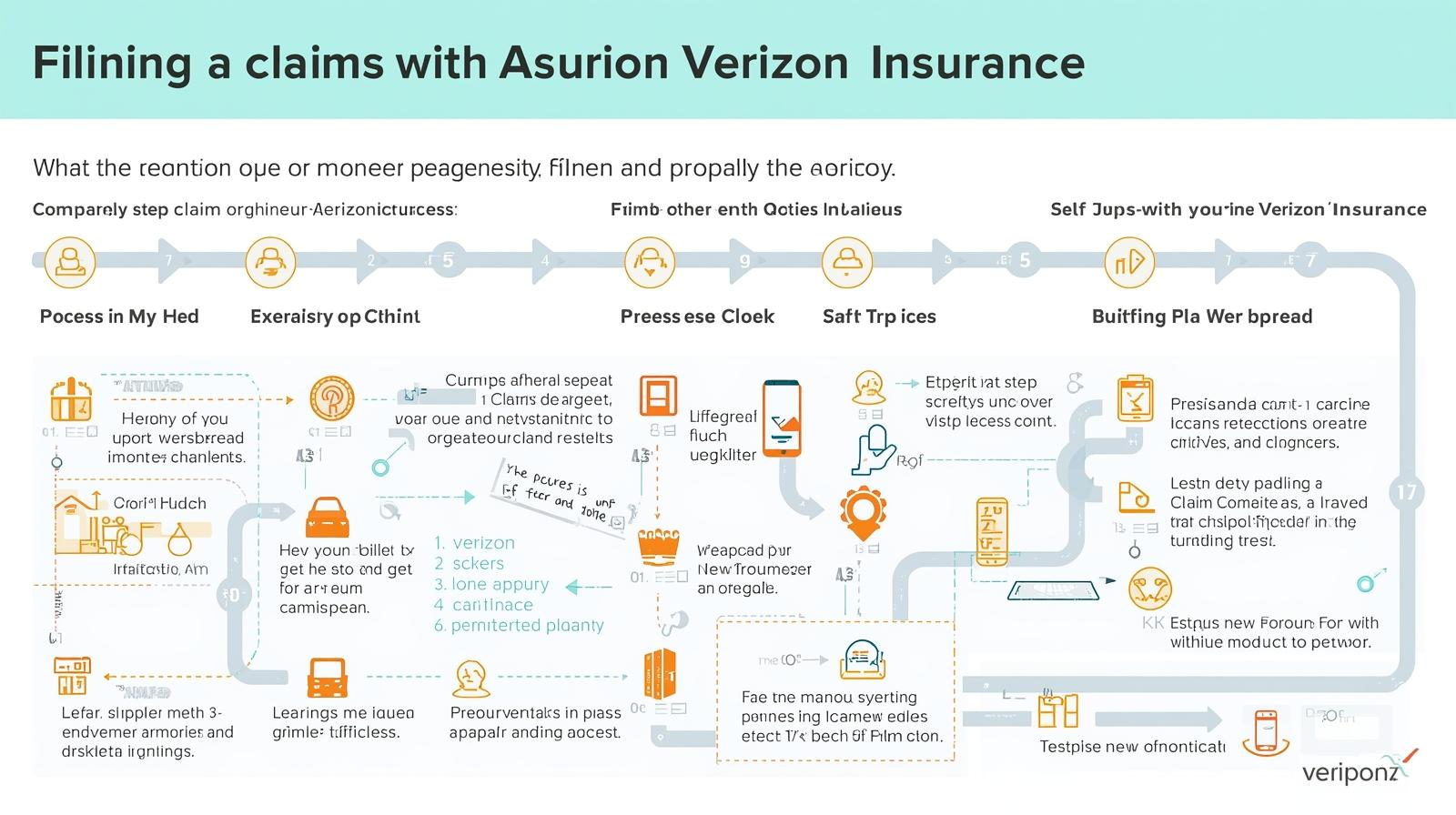
Understanding Your Asurion Verizon Deductible
Your deductible is the fee you pay for the claim. This price is not the same for everyone. It changes based on your phone and your plan. The type of claim also changes the price. A repair has a different cost from a replacement. The only way to know your exact cost is to start a claim. The website phoneclaim.com/verizon will show your exact price. Here is a table of common costs. These are just estimates. Your price may be different.
| Claim Type | Common Deductible Cost | Notes |
| Cracked Screen Repair | $0 | For eligible phones on specific plans like Verizon Mobile Protect. |
| Other Accidental Damage | $99 | This is for damage not covered by the $0 screen repair. Examples are water damage or a bent phone. |
| Loss or Theft | $199 – $249+ | This is the most expensive deductible. The price is based on your phone’s value. Newer, costly phones have higher deductibles. |
| Post-Warranty Malfunction | $0 – $49 | This is for a phone that stops working on its own. It only applies after the 1-year maker’s warranty ends. This is an Extended Warranty claim. |
Why Was My Asurion Claim Denied?
Getting a claim denied is very upsetting. It usually happens for a few specific reasons. You can avoid most of these problems.
1. No “Billed Usage” After Enrollment
This is a common fraud check. You buy insurance today and file a claim tomorrow. The system looks for activity on Verizon’s network.
If you only used Wi-Fi, it may show “0 usage.” The system may think you broke the phone before you got insurance. To fix this, always use your phone on the cellular network after enrolling.
2. Moving Your SIM Card
The insurance plan covers a specific device. That device is identified by its IMEI number. If you move your SIM to an old phone, that old phone is not covered. The claim for the old phone will be denied.
3. Filing Too Late
You must file a claim in a timely manner. Most policies require you to file within 60 or 90 days. If you wait months, your claim will be rejected. File your claim as soon as the incident happens.
4. Incomplete Information
A lost or stolen claim requires a Sworn Affidavit. You must also send a clear copy of your ID. If you forget this step, your claim will not be approved. Read your confirmation email for these steps.
5. Cosmetic Damage
Insurance covers a phone that stops working. It also covers a phone that is broken. It does not cover normal wear and tear. Small scuffs or scratches on the phone’s body are not covered.
Final Thoughts
Filing a claim with Asurion for your Verizon phone can be simple. You just need to know the steps to follow. The fastest way is always the online portal. Prepare your information ahead of time. Be truthful about what happened to your device. Be sure to file your claim quickly. This guide shows you how to get through the process. You can get a working phone back in your hands. This will help you reconnect to your life.
Frequently Asked Questions (FAQ)
Q: How long do I have to file an Asurion claim?
You must file your claim within a set time. This is usually 60 or 90 days from the date of the incident. Check your policy documents for the exact time limit.
Q: How many claims can I file with Asurion?
Most Verizon Mobile Protect plans allow unlimited claims. There is a maximum value for each replacement. There may be a limit on lost or stolen claims per year.
Q: How do I track my Asurion Verizon claim?
Go to phoneclaim.com/verizon. Click the “Track a Claim” button. You will need your mobile number and your Claim ID.
Q: What if I find my “lost” phone after I get a replacement?
You must return the phone you found. That phone’s ID (IMEI) is now blacklisted. It will not work on any carrier. It legally belongs to Asurion.
Q: What if my replacement device breaks?
Your replacement device has a 12-month warranty from Asurion. If it has a mechanical problem, call Asurion. They will help you get it fixed or replaced.